How can I hide or skip the Welcome Screen so my voters can go straight to the ballot to vote after login?
You can remove the Welcome screen step in the voting process if you'd like.
Welcome Screen:
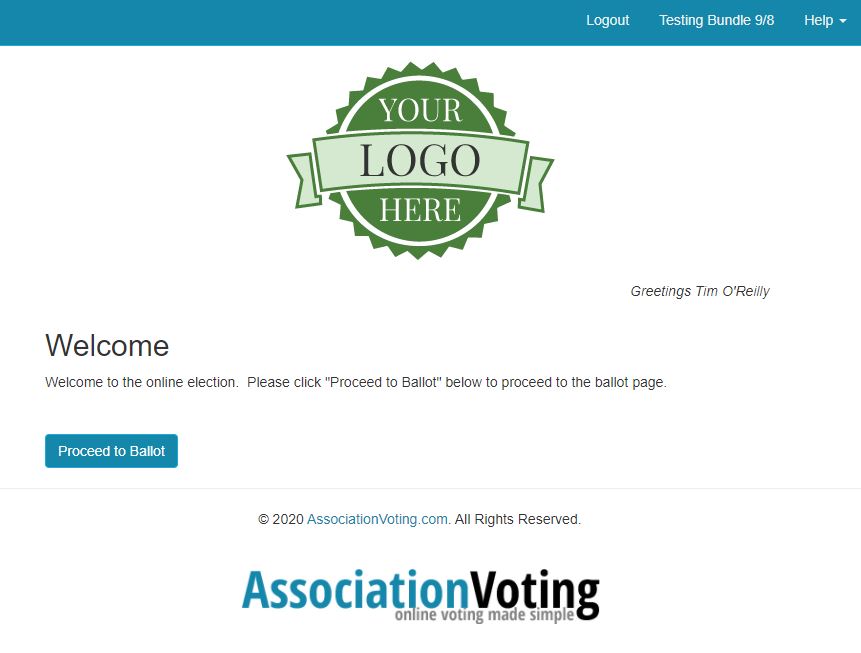
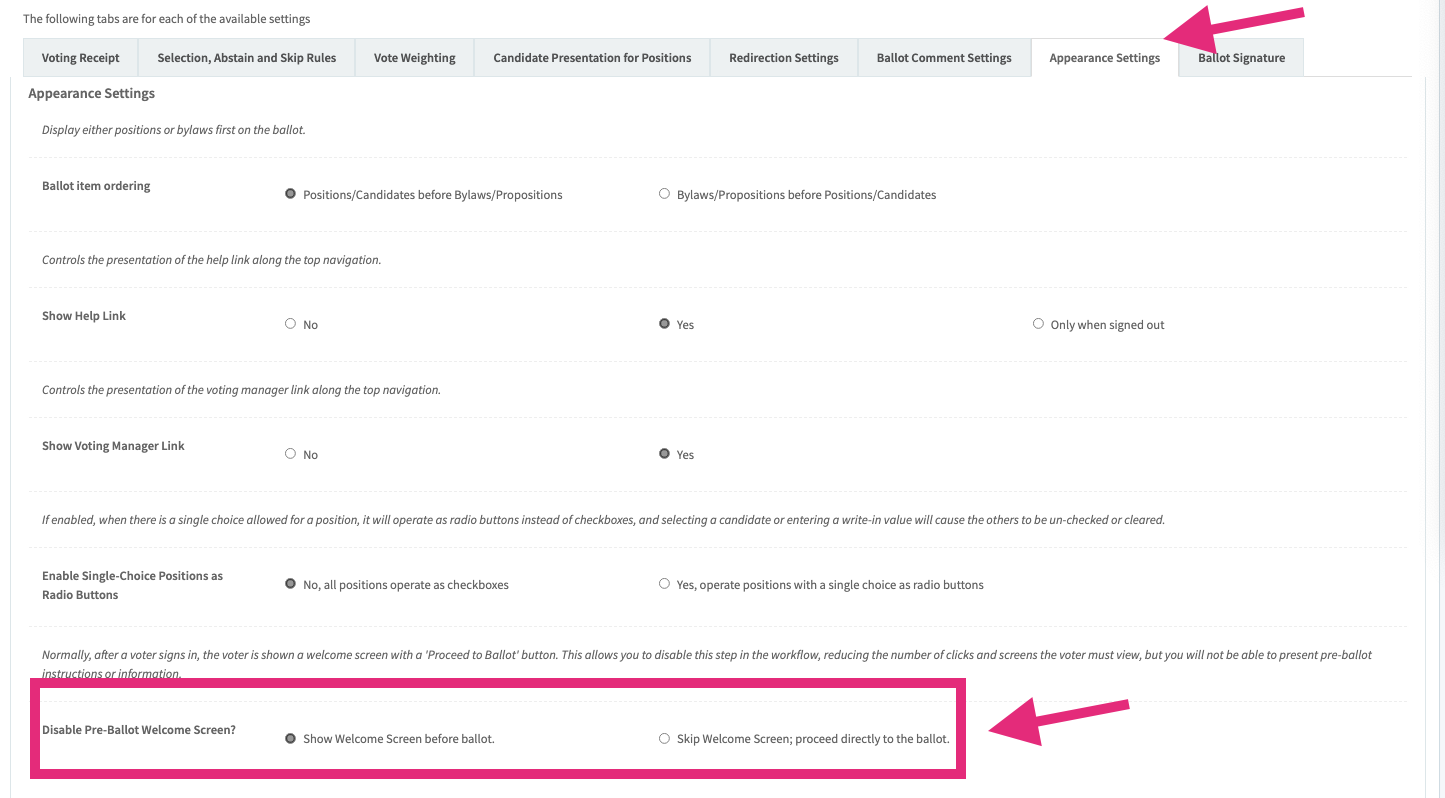
To bypass the above Welcome screen, simply goto Ballot > Settings, click the Appearance tab, and scroll down to the bottom of the settings list. Change the "Disable the Pre-Ballot Welcome Screen" setting to Skip Welcome... Then select the "Save Settings" button at the bottom of the screen. See screen capture below.
Ballot > Settings "Disable Welcome Screen"